

















What Is Touch Draw Game, Exactly?
Touch Draw Game is a hyper-casual puzzle title that blends drawing mechanics with light racing elements. You swipe to draw a line on-screen, creating a path for a ball to follow toward a goal. Obstacles get in the way, and each level asks you to think quickly about angle, timing, and distance. It’s simple in concept but can get surprisingly tight in execution.
The game doesn’t overcomplicate things. You draw, the ball rolls, and you either make it or don’t. That straightforward loop is part of the appeal, especially if you’re looking for something to play in short bursts.
How Drawing Actually Works
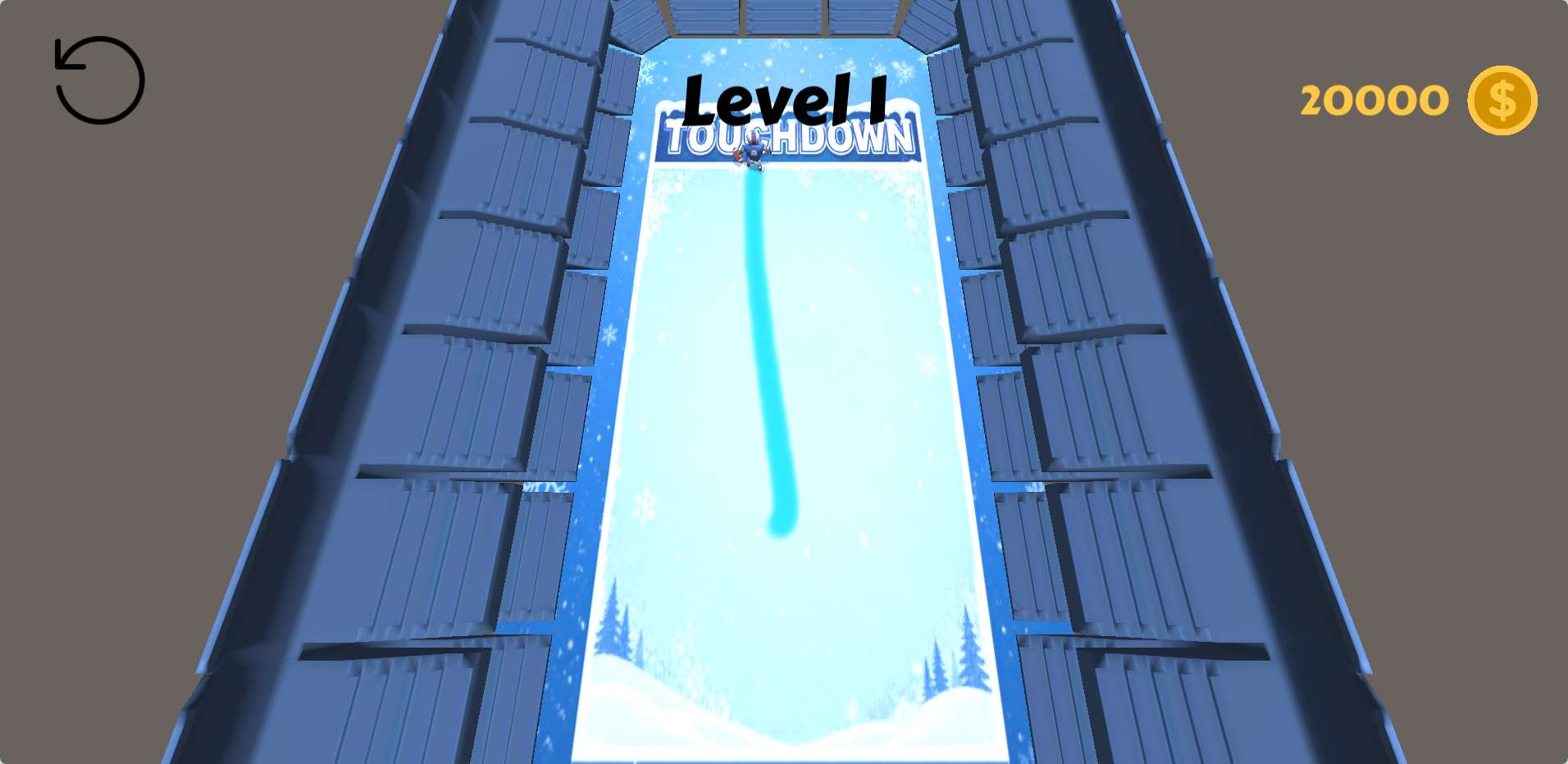
You control the ball’s route by dragging your finger (or mouse, if you’re on desktop) across the screen. The drawn line becomes a temporary ramp or guide. The ball follows this line automatically once you let go. The key detail: the path you draw is permanent for that attempt, but the ball only follows it once. If it misses the goal or hits an obstacle, you restart.
One thing that trips up new players is drawing too fast. A sloppy swipe means the ball might bounce off your line or veer off at a weird angle. Slow, deliberate strokes work better, especially on levels with narrow gaps or moving blockers.
Common Mistakes New Players Make
- Overdrawing. Long, winding paths look fun but often cause the ball to lose momentum. Straight or slightly curved lines are more reliable.
- Ignoring obstacles. Some spikes or moving walls require you to pause the ball or draw a detour. Rushing in with one straight line rarely works.
- Drawing too close to edges. If your path ends near a wall, the ball might clip out of bounds. Leave a little margin.
These sound obvious, but when you’re replaying a level for the fifth time, it’s easy to blame the game instead of your own linework. Take a breath, look at the layout, and draw with intention.
Practical Tips for Tougher Levels
Once levels start introducing moving obstacles or multiple goals, you need to plan ahead. Here’s what helps:
- Watch the obstacle pattern first. Before drawing, let the level play out in your head. Many obstacles move on a fixed timer. Wait for the right moment to draw your line.
- Use short lines for speed control. A short, steep line makes the ball roll fast. A gentle, longer slope slows it down. Use this to time your arrival at moving platforms.
- Don’t be afraid to restart early. If your first swipe is off, just restart immediately. It’s faster than watching the ball fail slowly.
These aren’t complicated tricks, but they separate players who finish levels in a few tries from those who get stuck for twenty minutes.
What Kind of Player Actually Enjoys This?
Touch Draw Game isn’t trying to be a deep strategy title. It’s a pick-up-and-play puzzle game that rewards precision over creativity. If you enjoy games where failure feels like your own fault—not the game’s—you’ll probably like this one. It can feel repetitive after a long session, because the core action never changes. But that same simplicity makes it great for winding down or playing while waiting for something else.
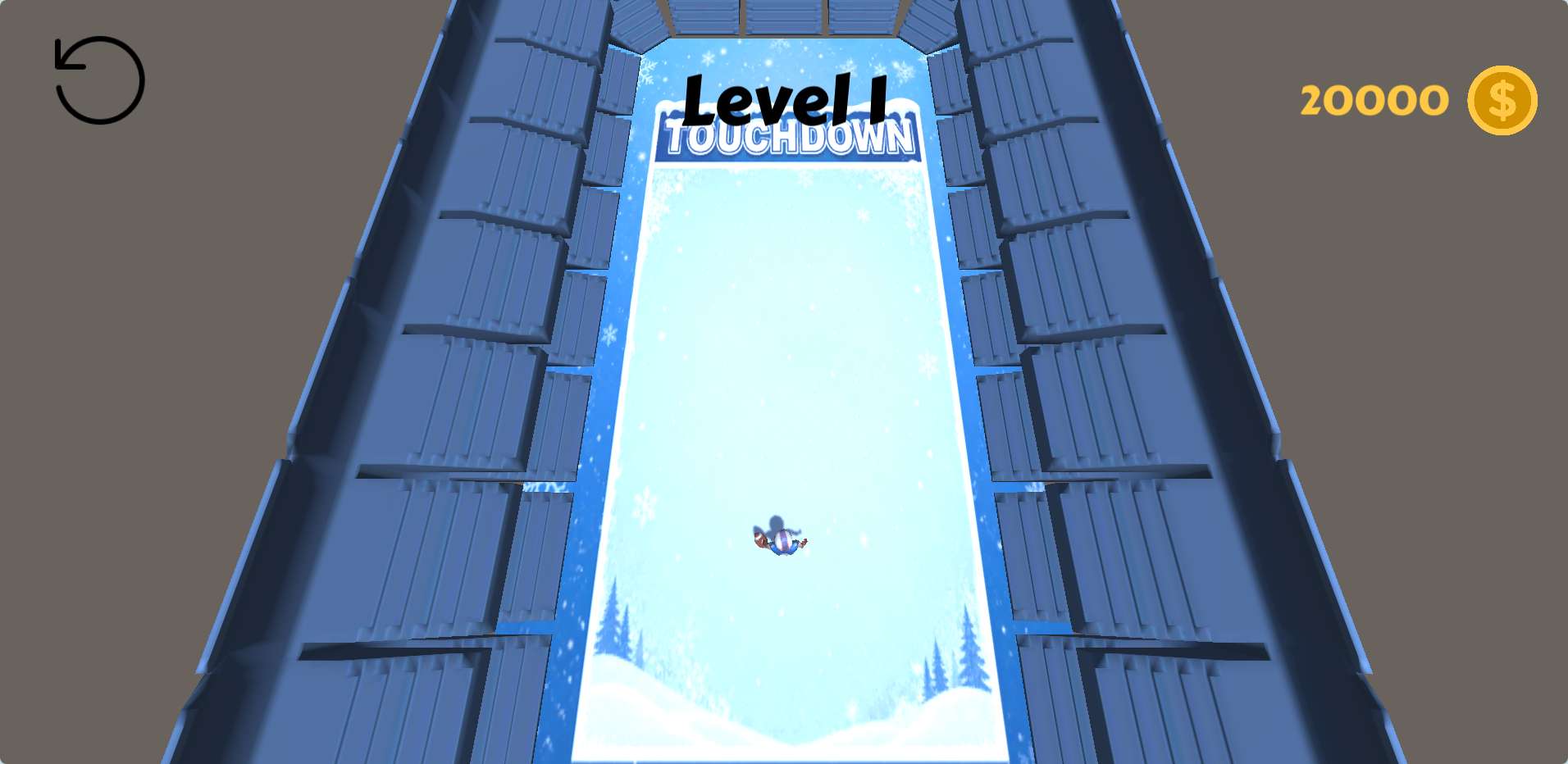
I’d recommend it to anyone who likes brain teasers but doesn’t want to read long tutorials. The game trusts you to figure things out by trying, which is refreshing. Just don’t expect a story or any real variety in visuals. It’s all about the drawing, and that’s fine.
Final Thought on Touch Draw Game
The game works best when you treat each level like a small puzzle rather than a race. Slow down, draw clean lines, and learn the obstacle patterns. You’ll clear levels faster than you expect—and probably have a few laughs at your own terrible swipes along the way.