

















One Finger, One Line, Many Problems
Touch Draw Game takes the simplest of inputs—a finger swipe across a screen—and turns it into a surprisingly tense puzzle. You draw a line, and a ball follows it to a goal. That’s it. But the catch is that your path has to avoid spikes, moving blocks, and gaps that swallow your ball whole. The game is less about drawing and more about problem-solving on the fly.
The first few levels feel like a warm-up. You draw a gentle arc, the ball rolls, you win. But by level ten, you’re dodging sawblades and timing your line to avoid a rotating wall. It’s a good ramp. Not too fast, not too slow.
The Drawing Feels Right
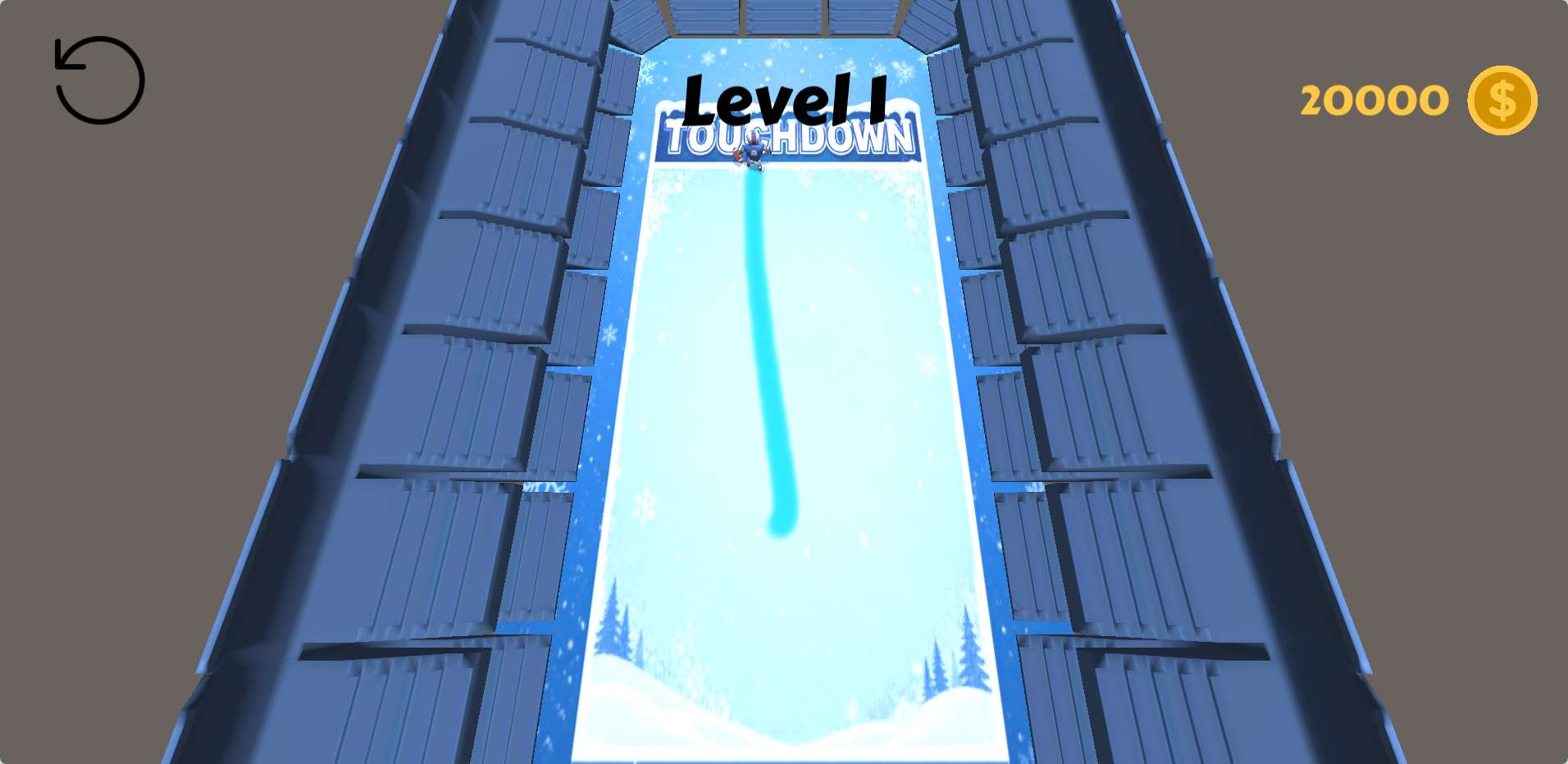
The touch controls are responsive. Your finger leaves a smooth trail, and the ball follows it with a satisfying physics-like wobble. There’s no lag, no jank. The game respects your input, which matters more here than in most hyper-casual games. If your line is off by a pixel, the ball will clip a hazard and you’ll restart. That’s fair—the game is clear about what it expects.
One thing I noticed: the game sometimes lets you draw a line that’s too efficient. You can skip entire sections of a level by drawing a straight line from start to finish, if the obstacles allow it. That feels like a small exploit, but it’s also a fun way to break the intended design. It doesn’t ruin the game, but it does make some levels trivial if you spot the shortcut.
Where It Starts to Bite
Around level thirty, the game introduces moving obstacles that force you to think in real time. You can’t just draw a safe line and watch it work—you need to predict where a wall will be when the ball reaches it. This is where Touch Draw Game goes from casual time-filler to genuine brain teaser. I found myself restarting some levels five or six times, not out of frustration, but because I kept trying to brute-force a solution that didn’t exist.
There is a slight downside: the game rarely adds new mechanics after the first few dozen levels. It leans heavily on the same few obstacle types, just arranged in harder configurations. For a quick session, that’s fine. But if you play for more than twenty minutes straight, the repetition starts to show.
Who Should Play This?
This is a good game for short bursts—waiting for a bus, during a commercial break, or just when you want to zone out for five minutes. It’s not the kind of game you sink hours into, and it doesn’t pretend to be. The visual style is clean and minimal, with no distracting animations or loud sound effects. The music is a looping ambient track that fades into the background. Some players might prefer more audio variety, but for a game this simple, the restraint works.
If you liked older drawing puzzle games like Draw a Line or World of Goo, you’ll find a similar satisfaction here—just in a smaller, more concentrated package. It’s not groundbreaking, but it knows what it is and does it well.
Final Scribble
Touch Draw Game doesn’t need to be a masterpiece. It’s a clean, functional puzzle game that respects your time. The difficulty curve is fair, the controls are solid, and the occasional shortcut keeps things interesting. If you’re looking for something to occupy your hands and your brain for a few minutes at a time, this one’s worth a download.
Final Thoughts
Touch Draw Game works best as a quick, low-pressure browser game. It may not hold everyone for long sessions, but it does a solid job at delivering a simple and accessible play experience.